Your restaurant answers by voice, without leaving WhatsApp.
Some people would rather talk than type. Turno understands voice notes and answers WhatsApp calls, in the same chat where it already handles messages.
Start on WhatsApp
Two ways to talk to Turno
Both happen inside WhatsApp. No other number, no other app.
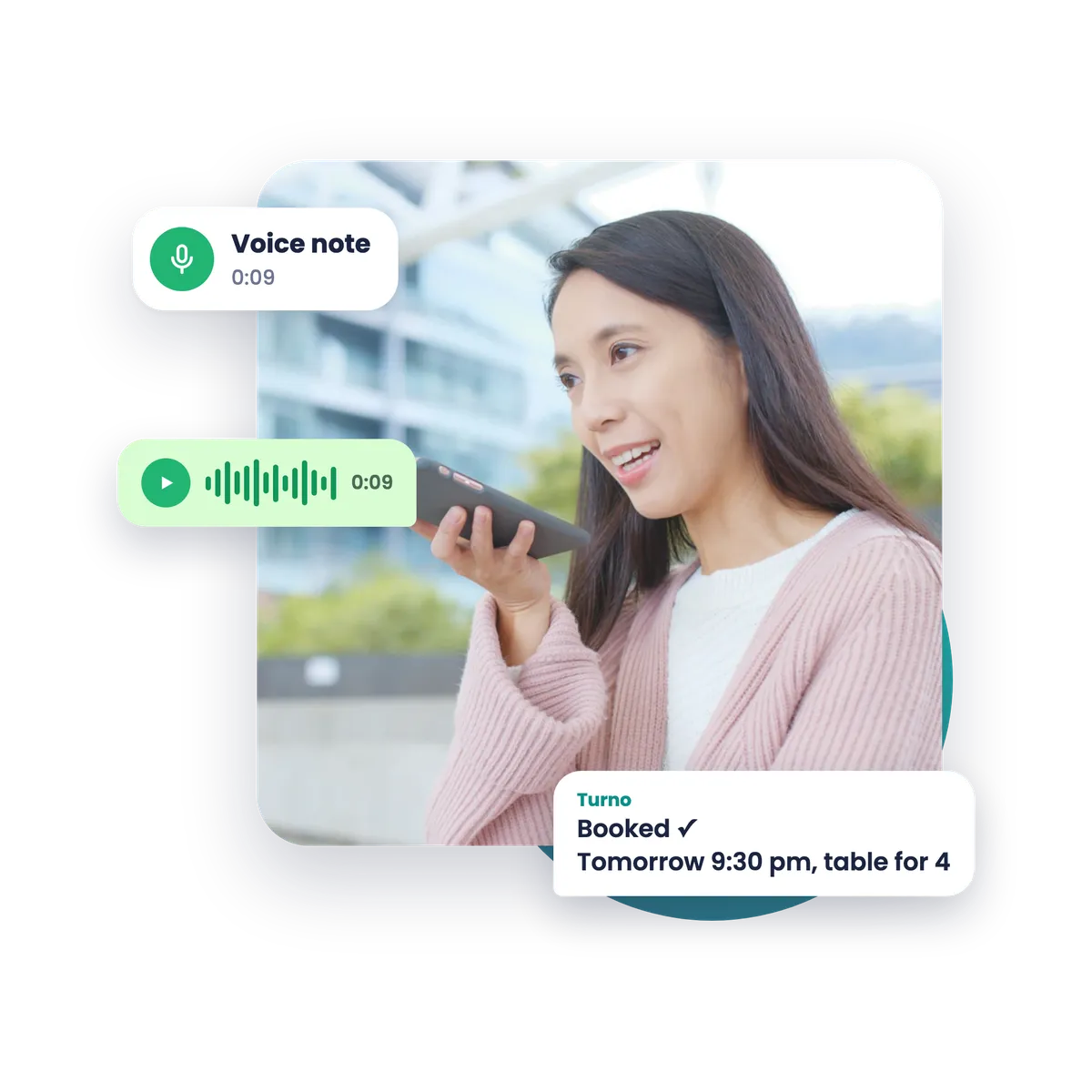
Voice note
The guest holds the microphone, says what they want and sends it. Turno listens and replies in the chat.
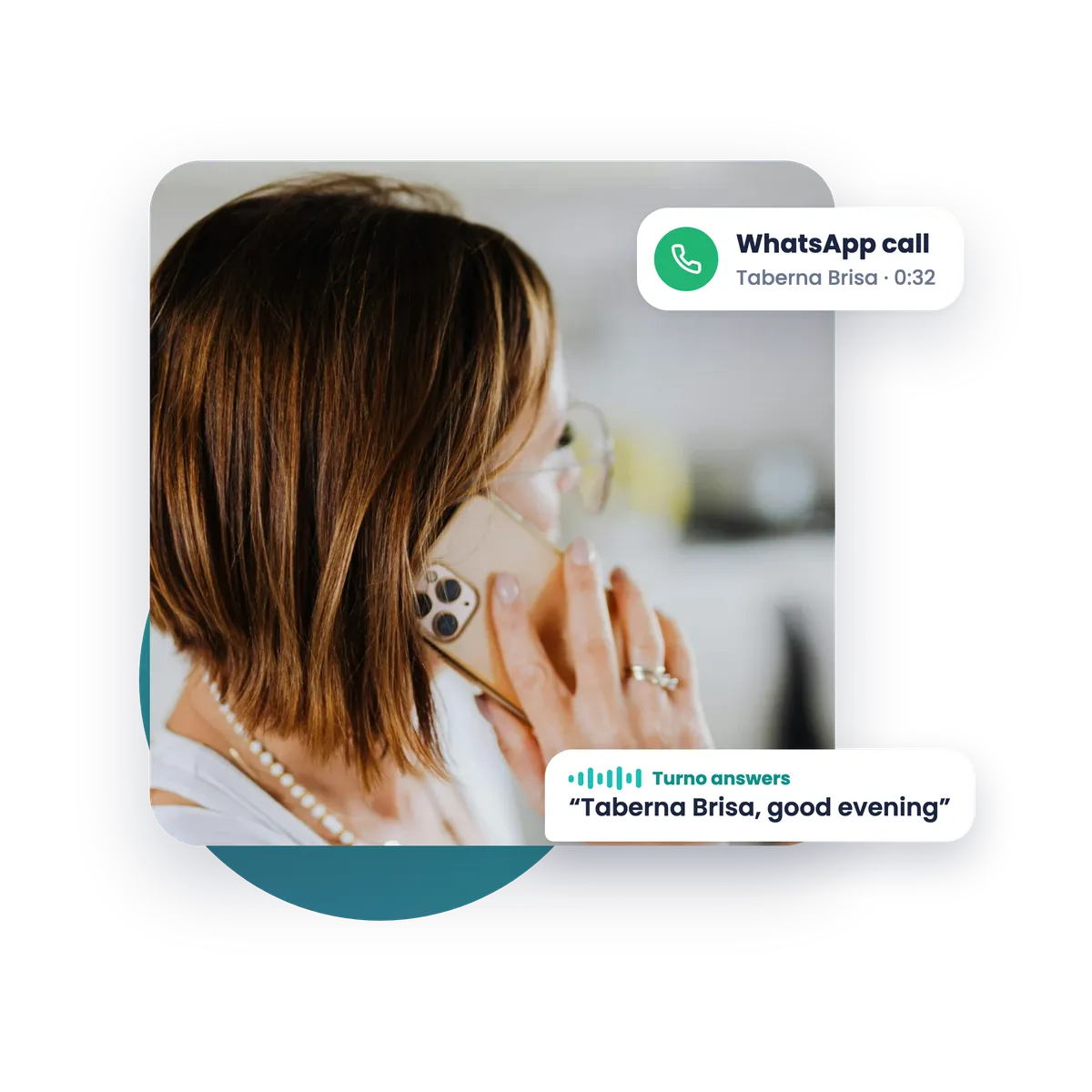
WhatsApp call
The guest taps the phone icon inside the chat. Turno picks up and talks to them.


Calls inside WhatsApp
The call never leaves WhatsApp. The guest starts it from the phone icon at the top of your restaurant's chat, just as they would call a contact, and Turno answers right away. If they ask to speak to someone on the team, Turno gives them the phone number you chose.
It's not your landline or a new number. Your usual phone stays as it is.


Your team talks too
Nobody types with a tray in their hand. The server dictates the order and Turno sends it back tidy, ready to confirm. The owner changes opening hours or asks about the day's bookings the same way.
Everything stays in the same chat
Talking or typing, the result is the same: the booking goes into your book, the guest gets the confirmation in their chat and you get the alert.
Start on WhatsApp
Try Turno for free in your restaurant
Open until the end of December, for any restaurant.
We will get in touch to help you set it up and adapt it to your restaurant.
Thank you!
We have received your request. We will be in touch shortly to set it up with you.